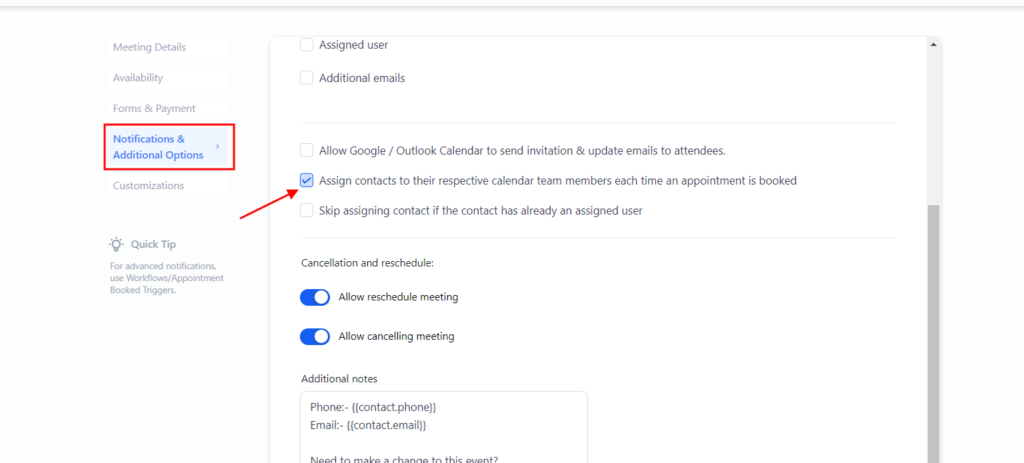
Head into the location settings > Calendars > Click on “+ Add Group” and label the group name, description, and slug > Save
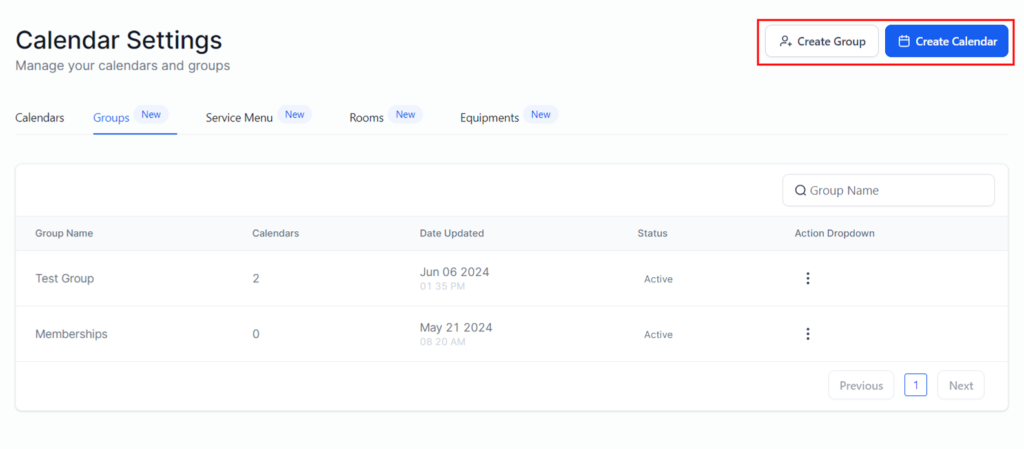
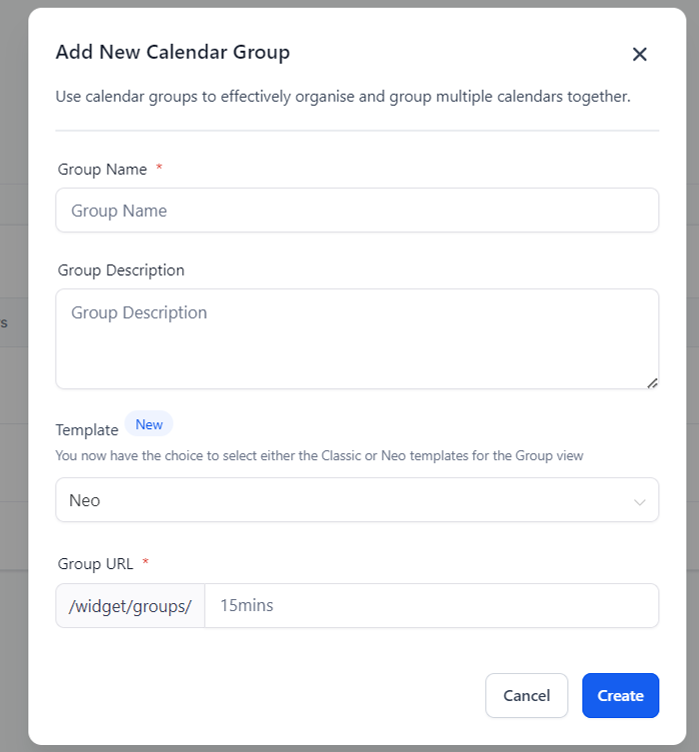
Add User(s) to the Group Calendar
Click on “+ New Calendar” > “Round Robin” > “+ Add User”
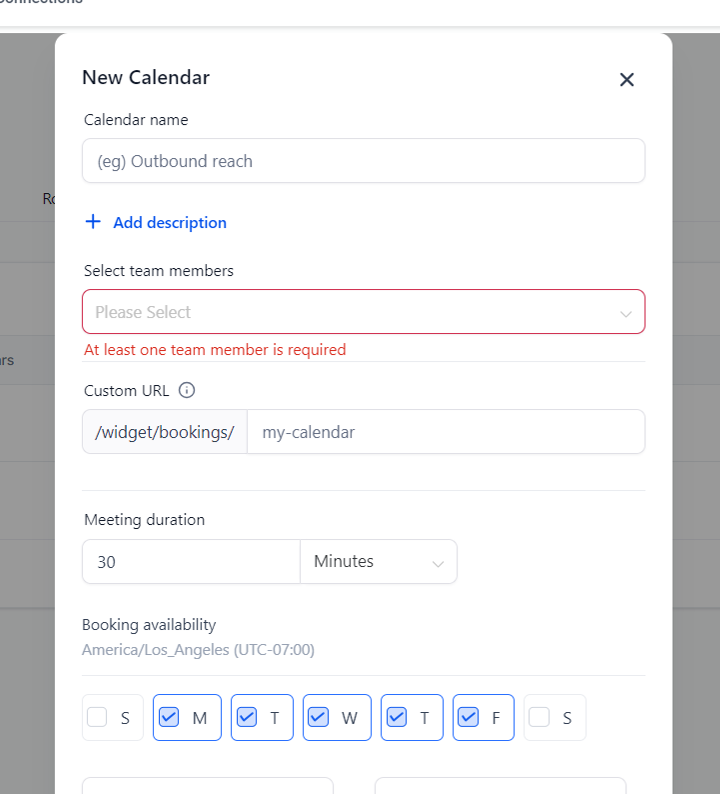
Assigning User(s) within the Group Calendar
Within the calendar setup modal head over to the “Notifications & Additional Options tab > Select the assigned options by clicking on the checkboxes