
You can move specific calendar from one group to another
Want to move one calendar to a different group, here’s how to accomplish this:
1. From the Grow dashboard
2. Click on Calendars
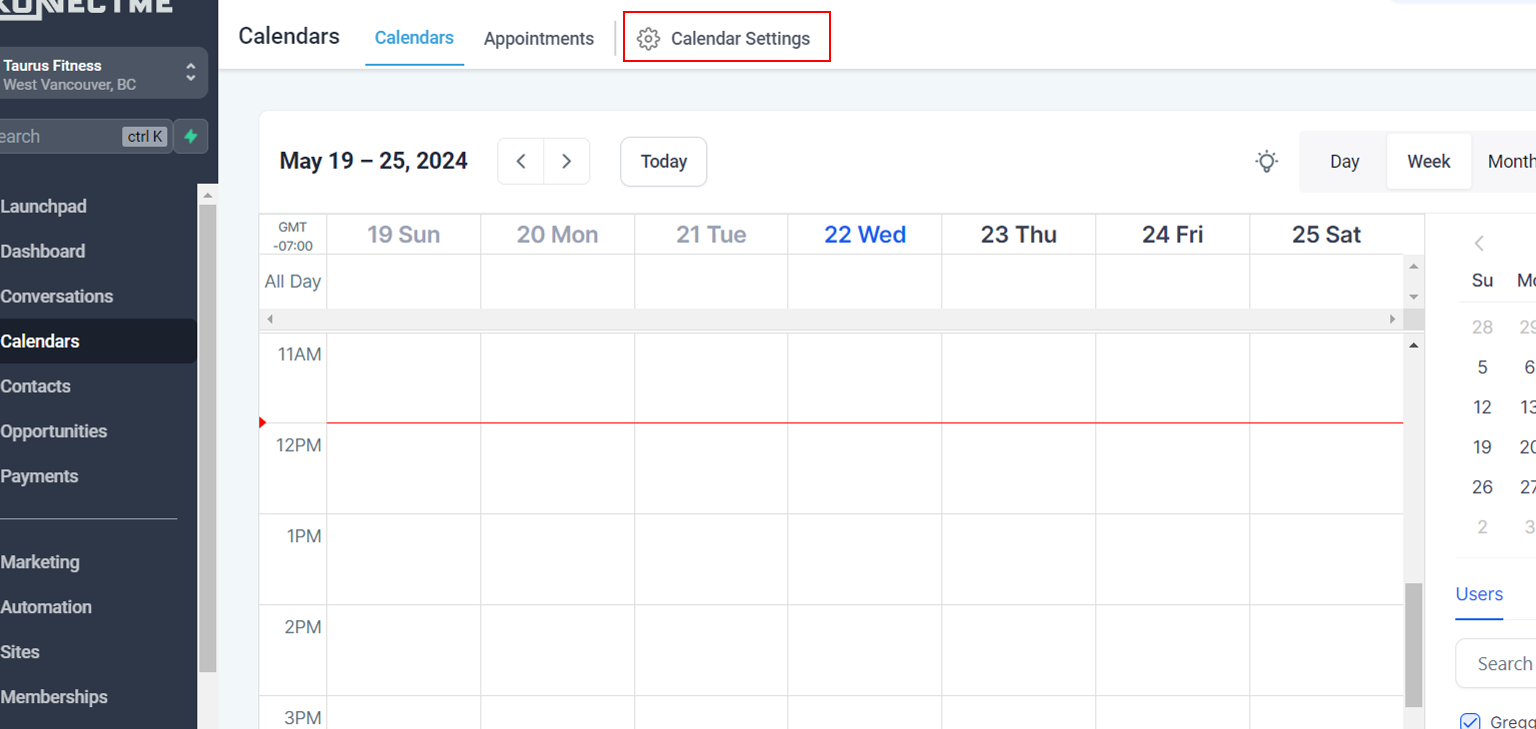
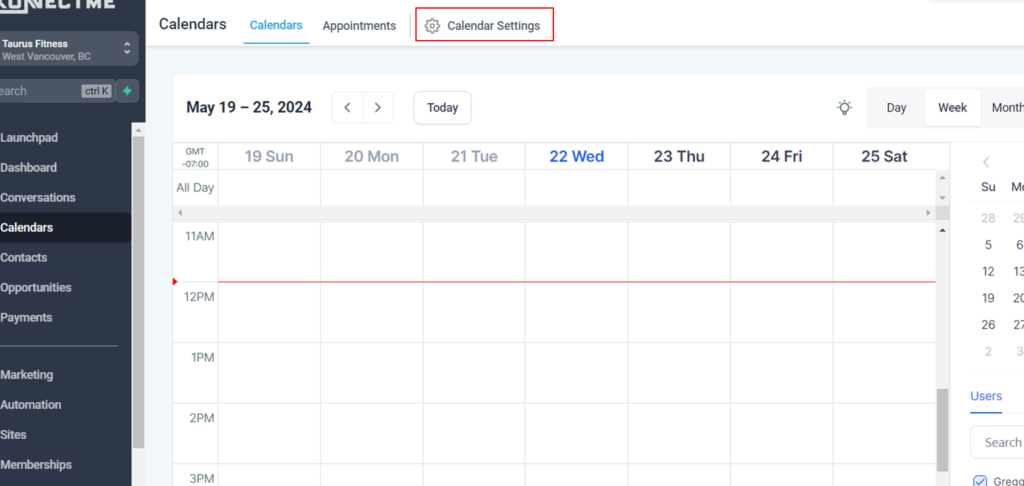
3. Click on Calendar Settings
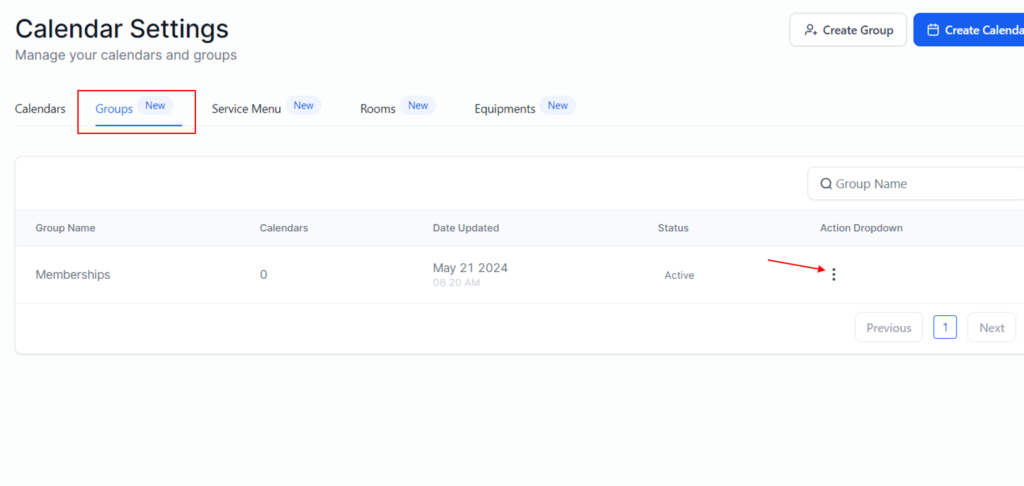
4. Click on Groups >> Then click on 3 dots next to the Group you want to re arrange
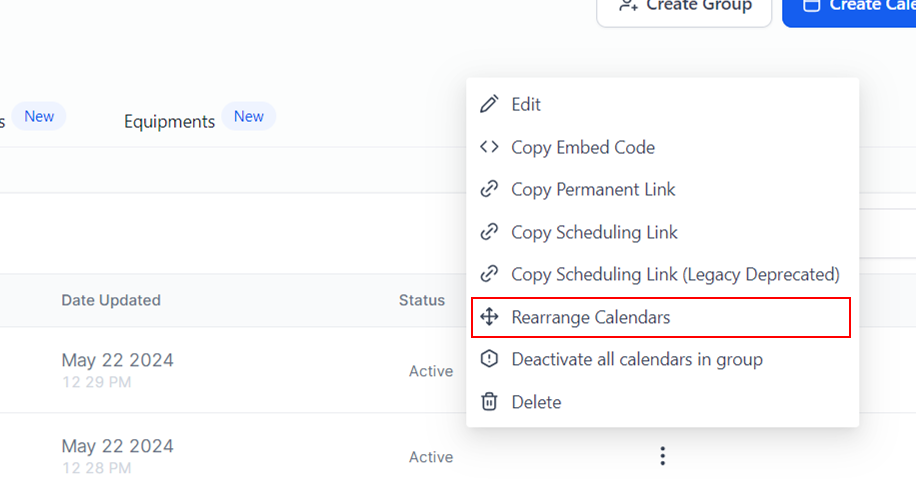
5. Click on Rearrange Calendars
7. Drag highlighted calendar to the position you want to order them
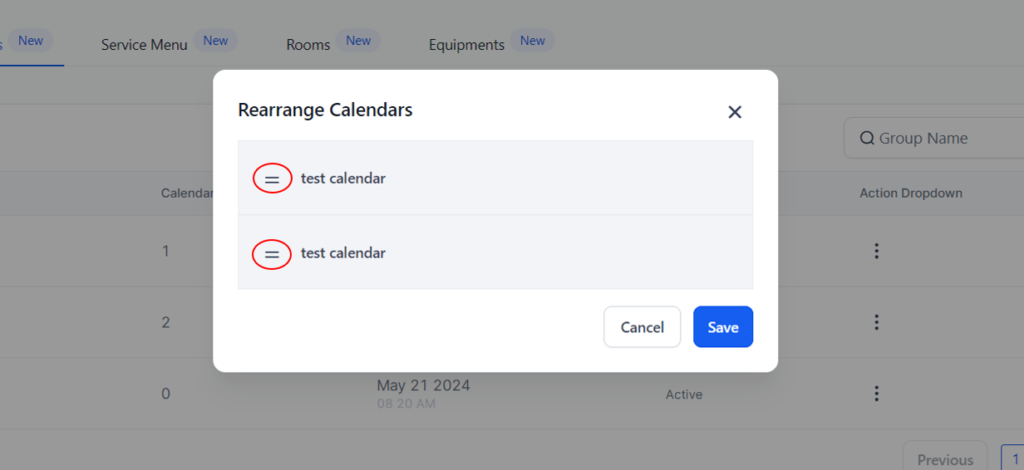
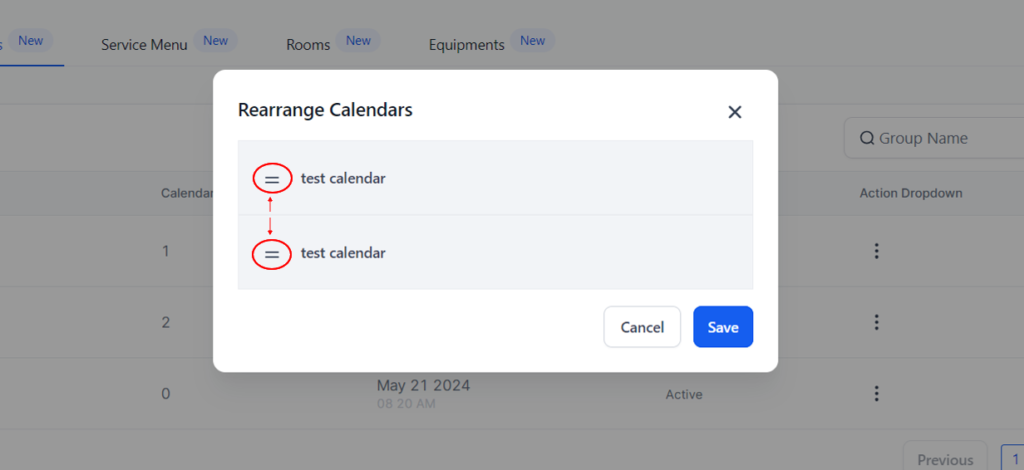
once they are in the order you want then click on Save.