An event style calendar is an appointment style calendar that is not assigned to any staff. This is best used if you do not need the appointment to check for conflicts on your calendars, but you want the person to book an appointment and receive confirmations and follow ups.
This type of calendar is best suited for the following, but not limited to: birthday party reservation, an event that you are hosting where multiple people will be signing up etc.
1. Go to your Dashboard
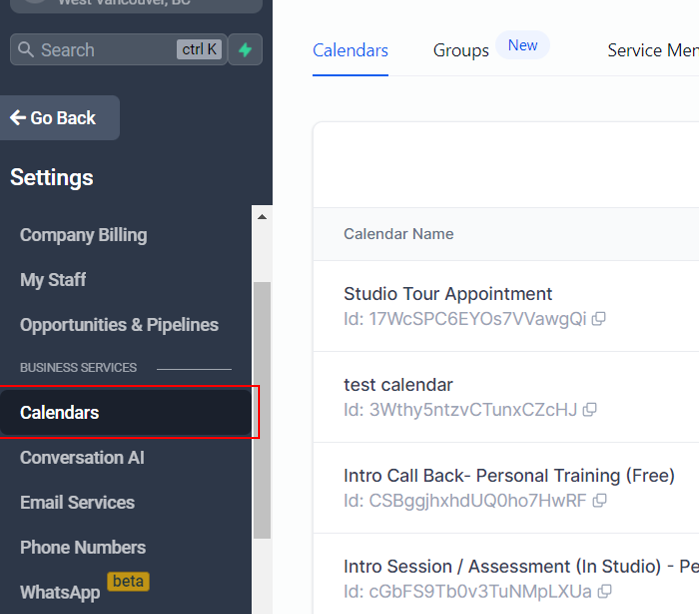
2. Click on Calendars
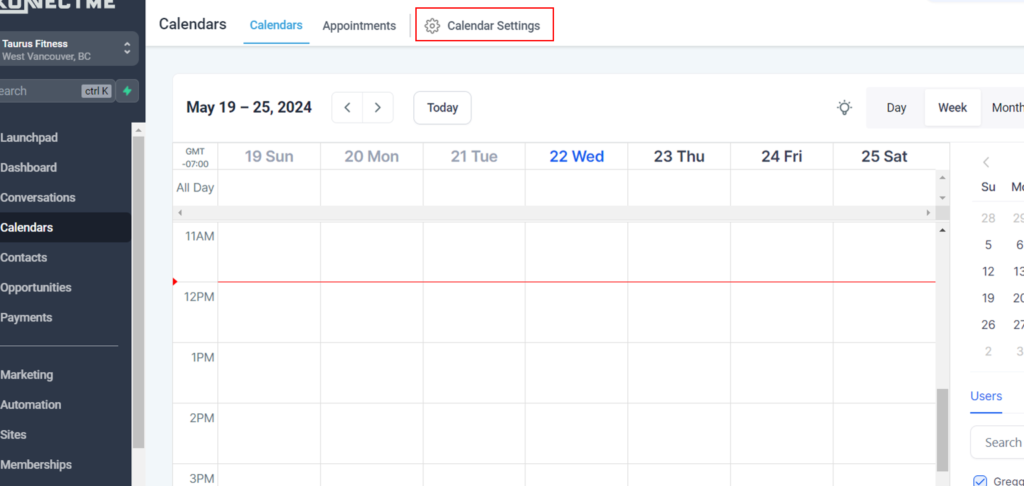
3. Click on Calendar Settings
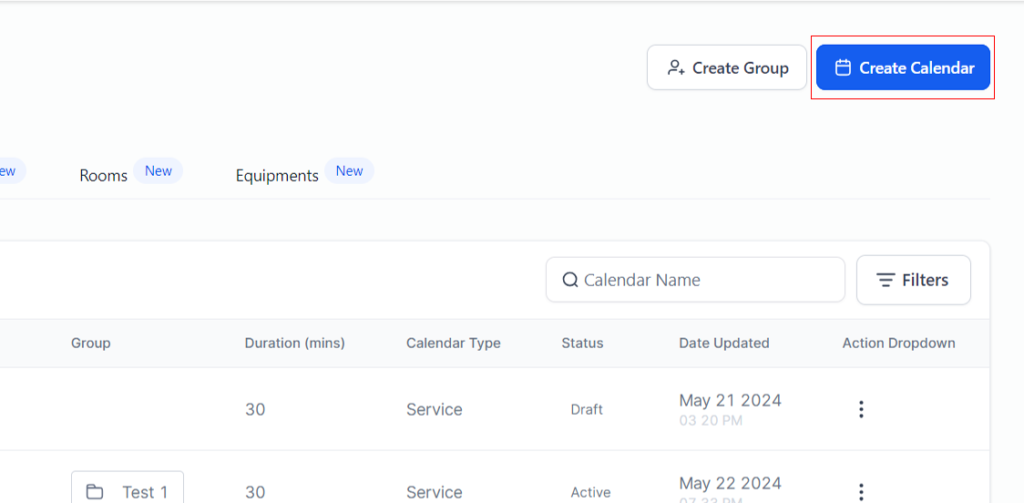
4. Click on Create Calendar
5. These are the options you will see
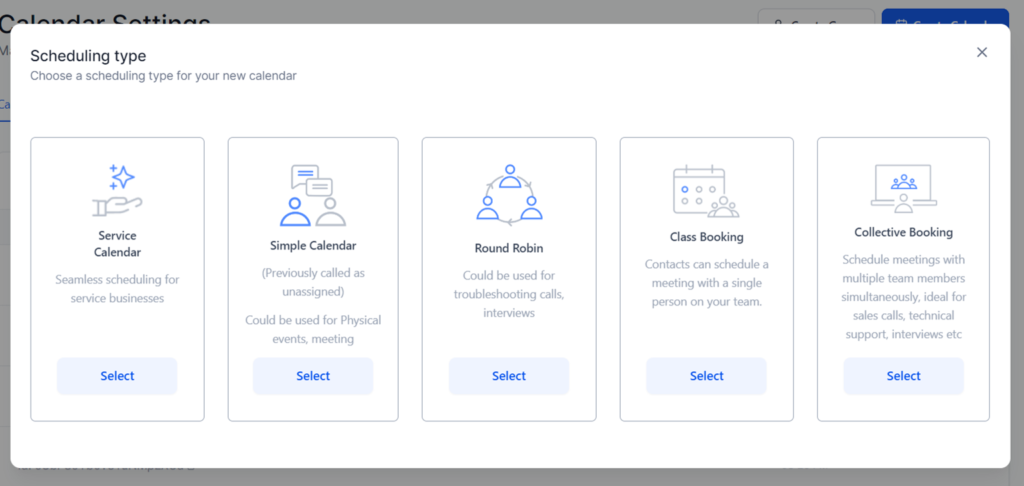
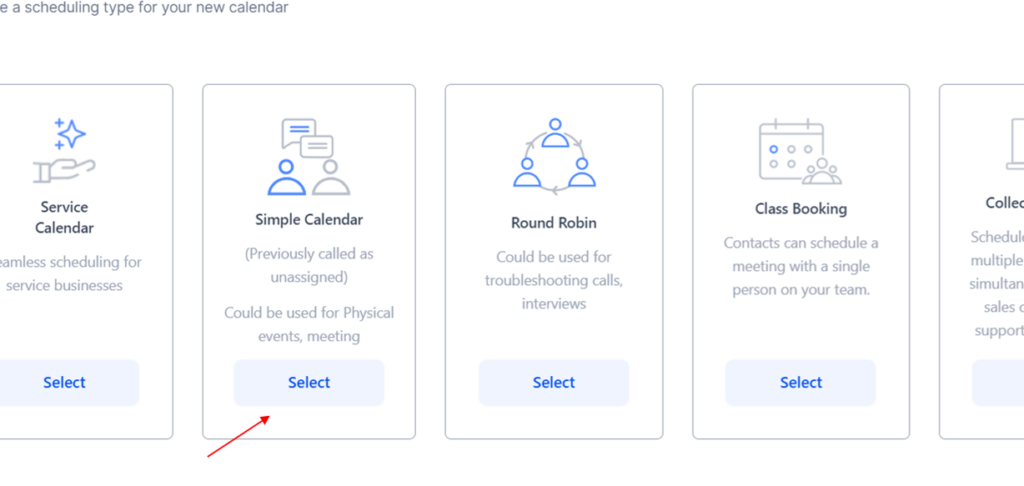
6. Select “Simple Calendar”
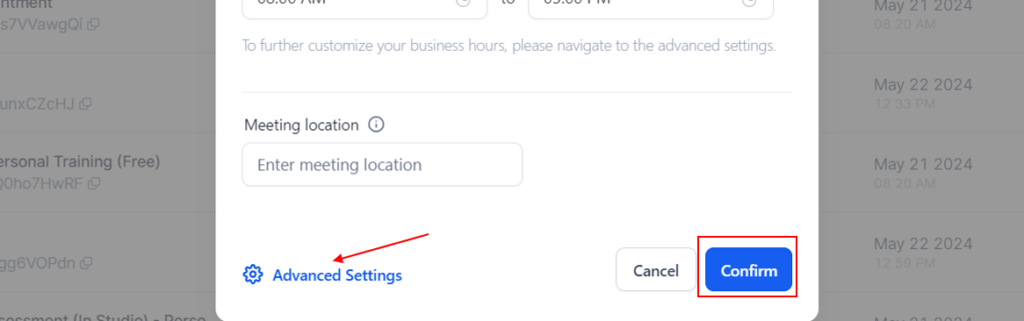
7. Now build out the calendar following the prompts on each steps
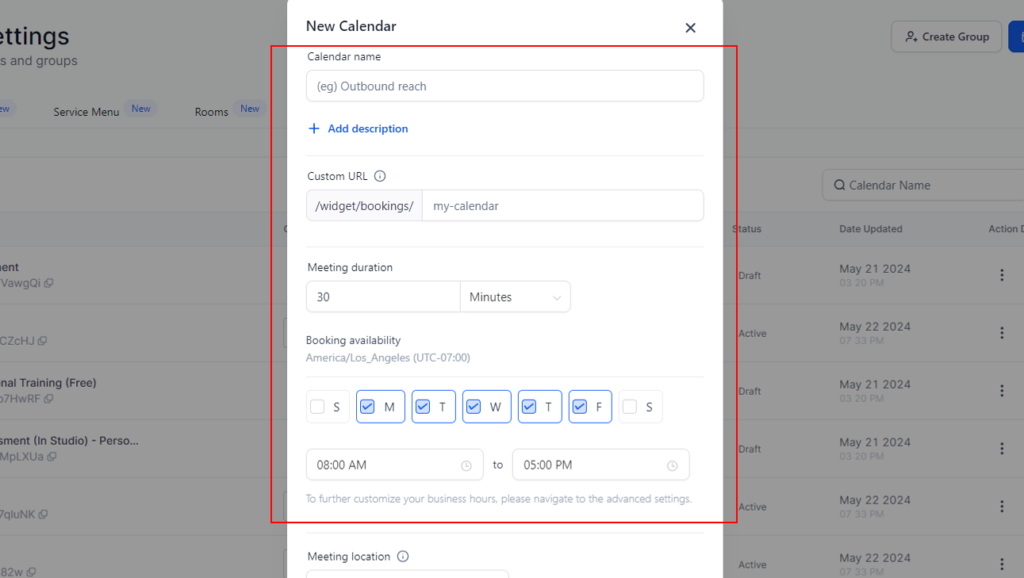
8. After completing the details, hit confirm and your calendar is complete!
Note:You can further edit the calendar by click the ‘Advanced Settings’