Once you’ve created a chat widget, you may want to review what contacts are submitting into the chat widget.
Step 1: Viewing Chat Widget communications in Form Submissions
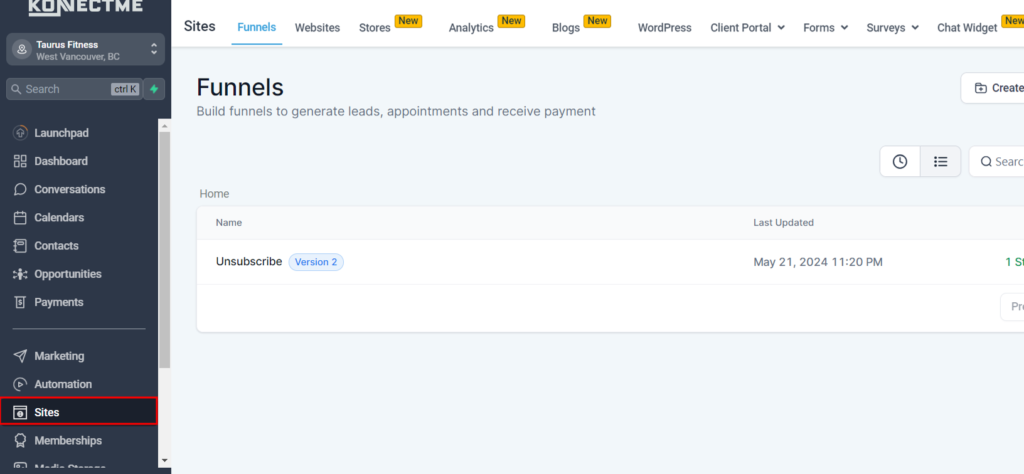
- Navigate to Sites
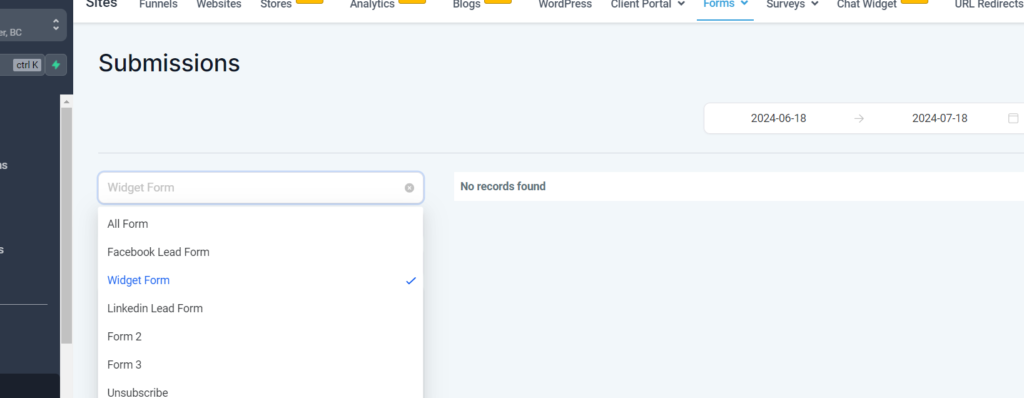
- Forms > Submissions, and choose “Widget Form” from the dropdown menu.
- Here you’ll be able to view all the widget responses.
- You can click into a contact to view their profile.