
If you’re looking to create a Tag in your CRM, here’s how to do it:
1. Log in to your account
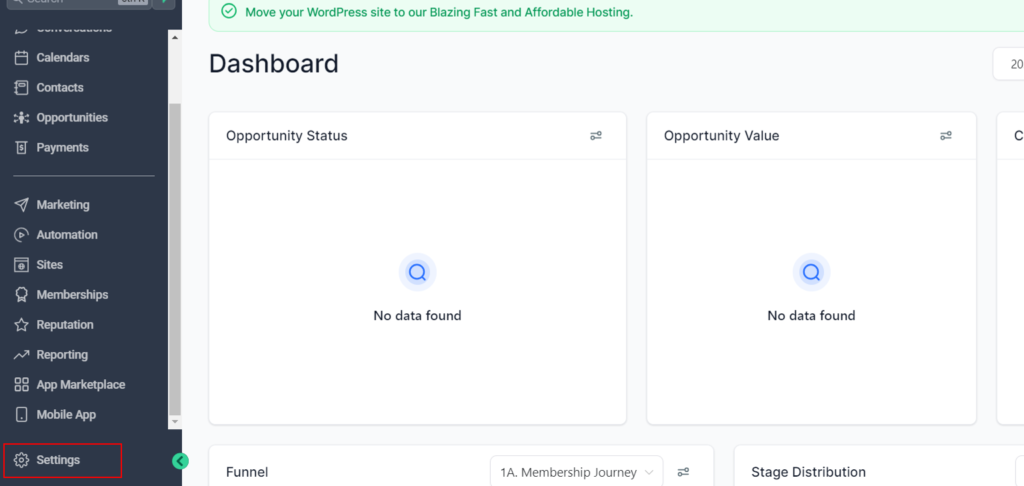
2. Click on Settings
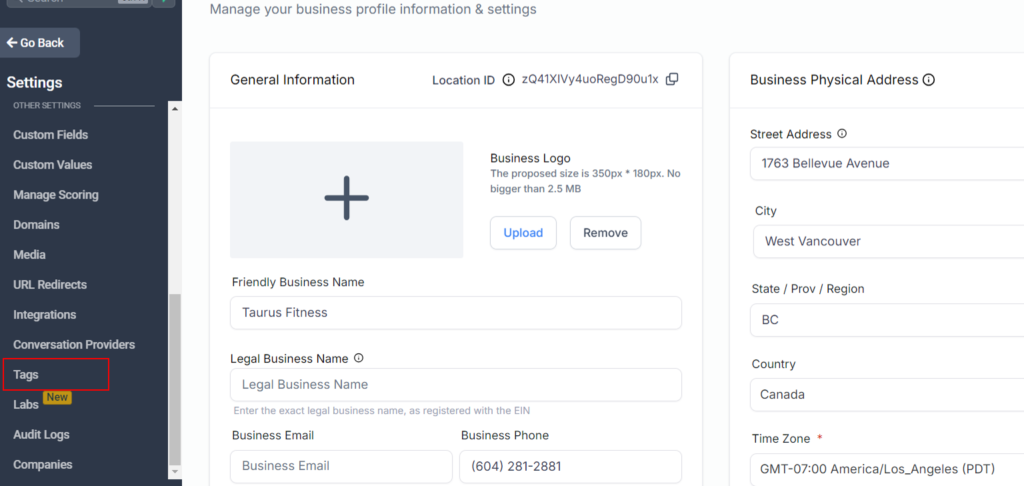
3. Click on Tags
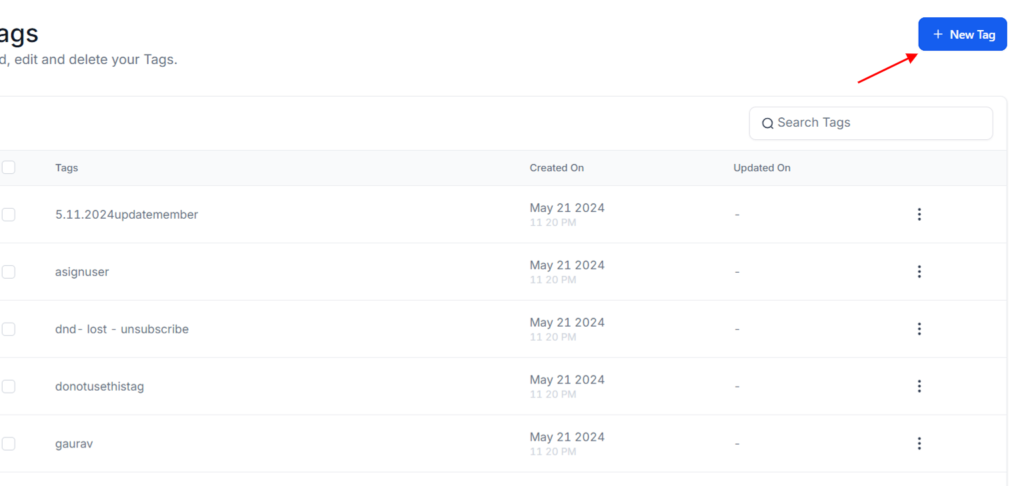
4. Click on Create new tag
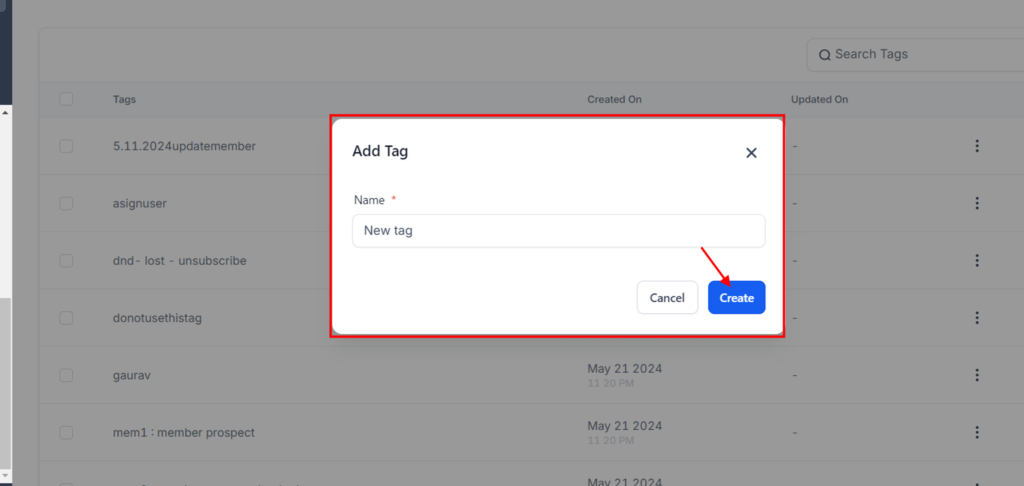
5. Type the name of the new tag name: “new tag”
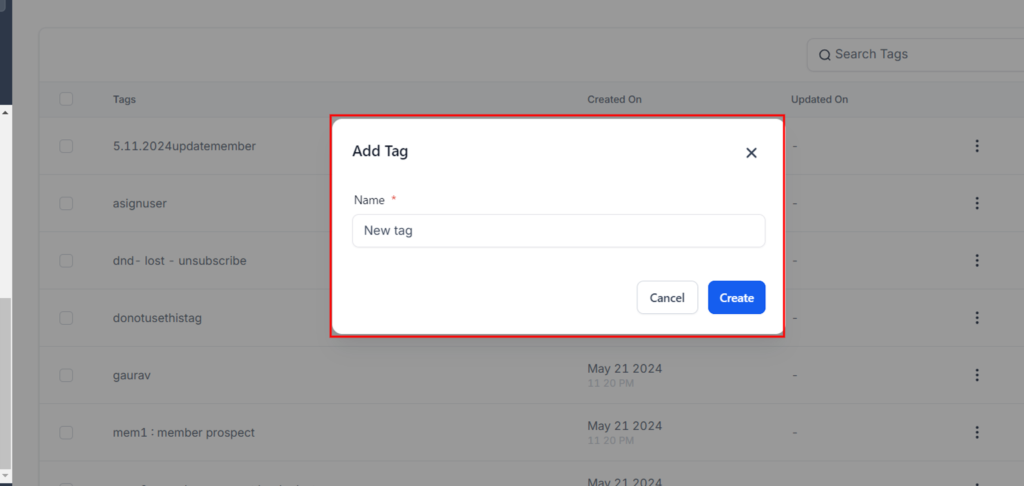
6. Click on create
If you’re looking to create a Tag in your CRM, here’s how to do it: