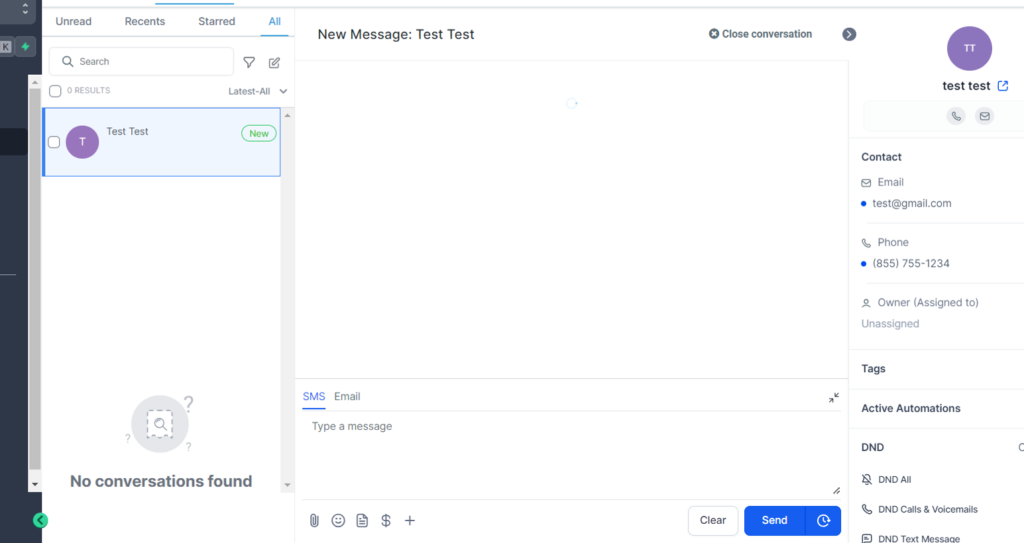
Users can now create a new Email/SMS message for an existing contact or a new contact with just a single click on the Conversations Page.
Before, Users could only create an SMS message using the ‘Create New Message’ icon and select a contact to send the message. But with the new update, we’ve made it even better!
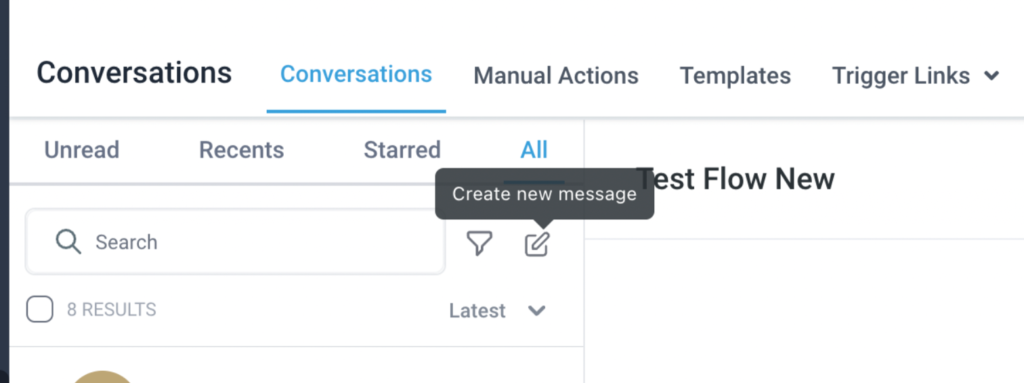
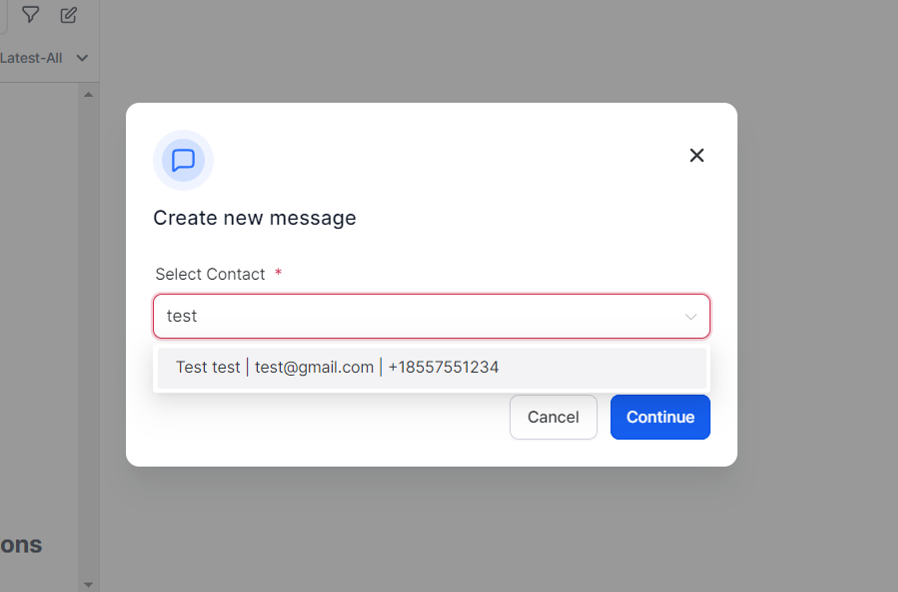
- 🔍 Search for a contact using their name, email, or phone number
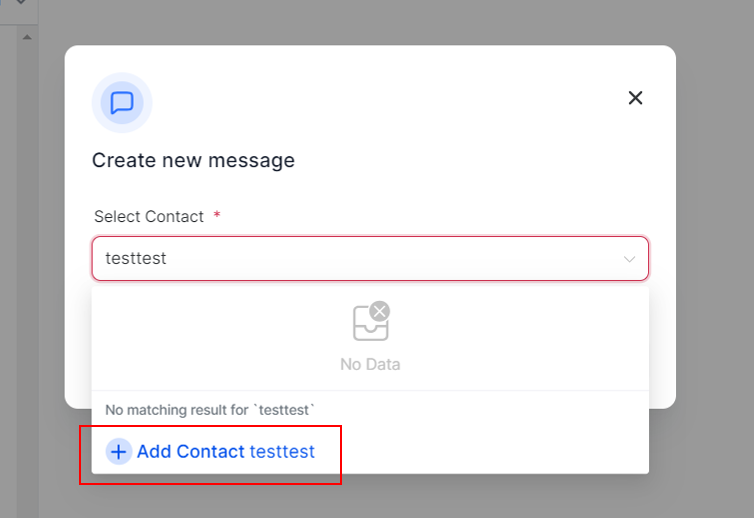
- 🆕 Create a new contact by using the ‘Add new contact’ prompt in case no contacts are available
- ✨ Create a message for any channel, be it Email or SMS, unlike before when it was only limited to SMS.
After creating a message, Users will be directed to the conversations page, where you can choose to:
- ✉️ Send out the message to contacts
- ❌ Cancel the conversation.