
This will show you how to allow or prevent duplicate contacts within the system. Navigate to Settings > Business Info > General. Check or un-check the box to allow or prevent duplicate contact records.
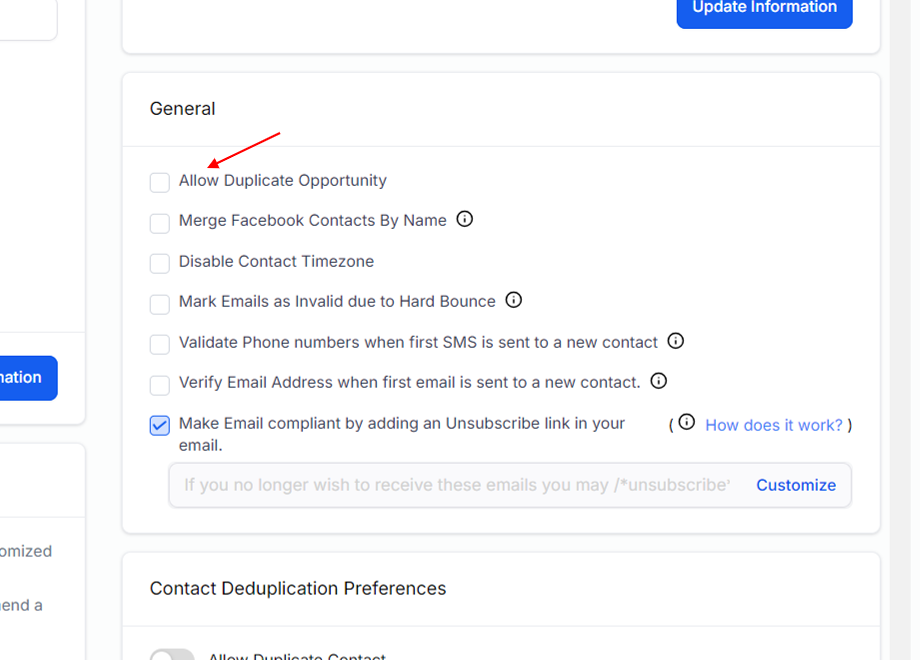
If allowed, the duplicate contact will only work when the system receives a lead from a form or Zap, when leads can be imported one-by-one.
NOTE: If “Allow Duplicate Contact” is on, and you try to import a bulk upload, an error will occur.