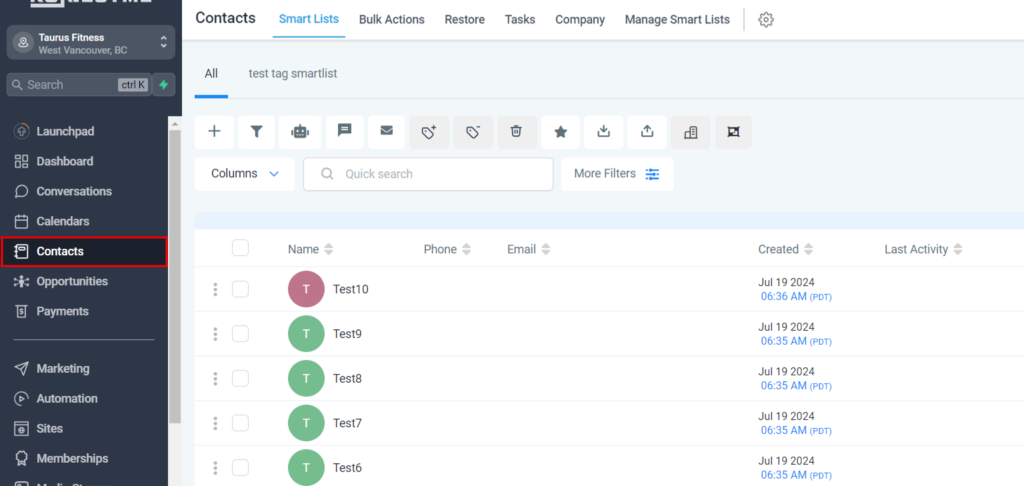
1. Click contacts when in the platform.
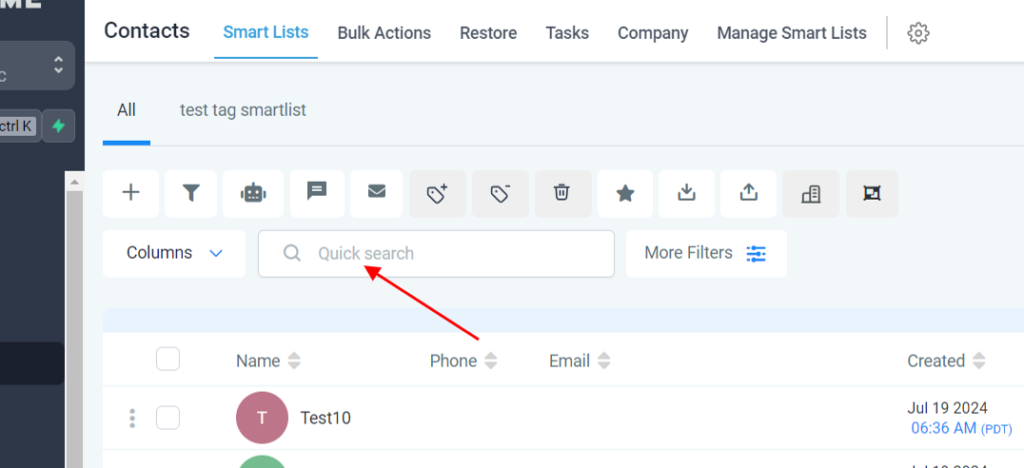
2. Click “Quick search”
3. Type the persons name you are looking for
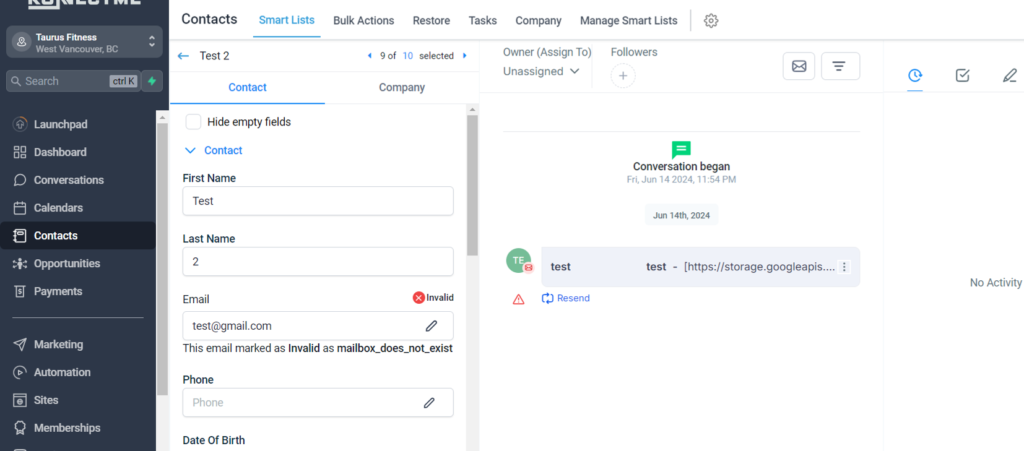
4. Click their name to open their contact record
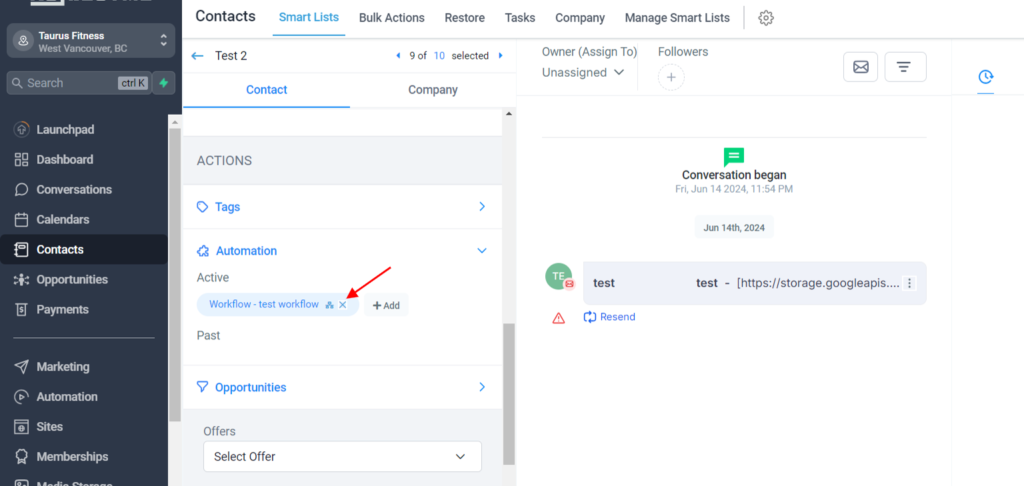
5. To remove someone from a workflow – you must do it here. Adding the tag will trigger the new workflow but to REMOVE someone, you must click the x on the workflow that you want to remove them from.