Want to send a specific email or text to a list of people? Or, maybe you want to add a specific group to a workflow or tag? Here’s how…
If you want to perform a bulk action to your entire contact list or a specific group of people on your contact lists you can do that easily by following a few simple steps.
Here’s how:
- Login to your dashboard
- Click on “Contacts”
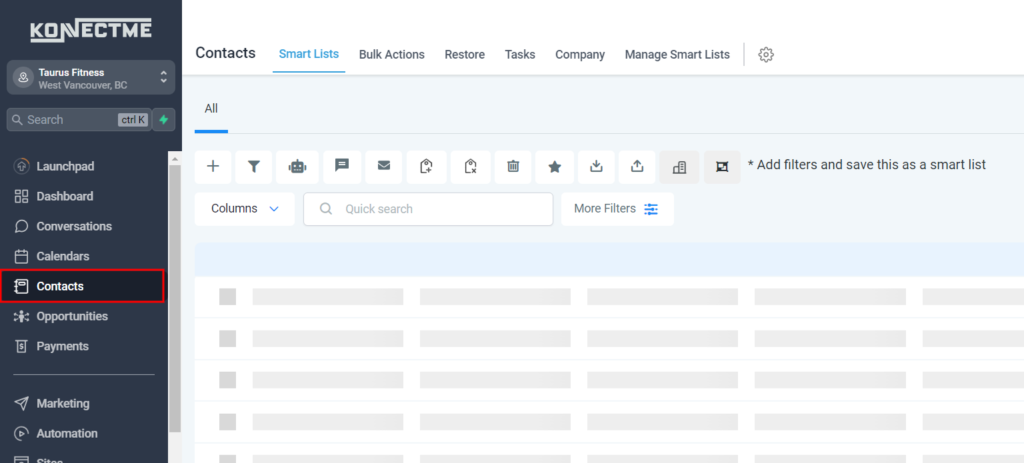
- Click on “Quick search” Or use a “Smart List” or…
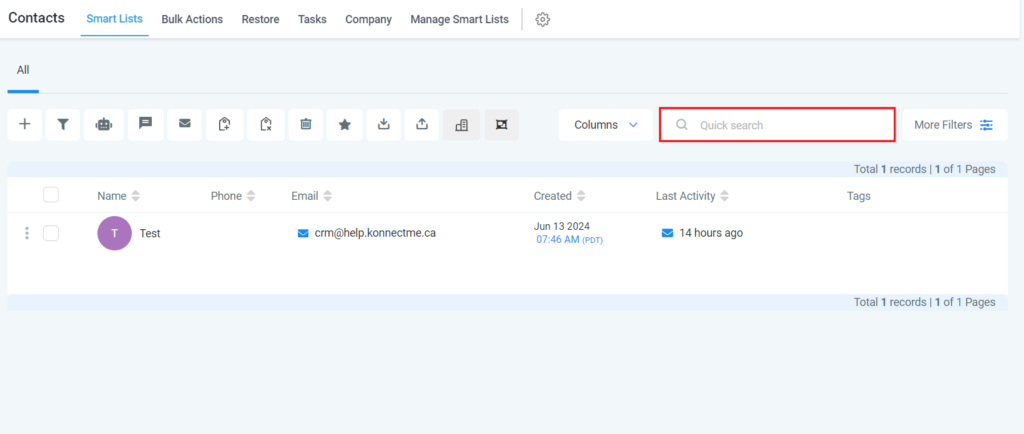
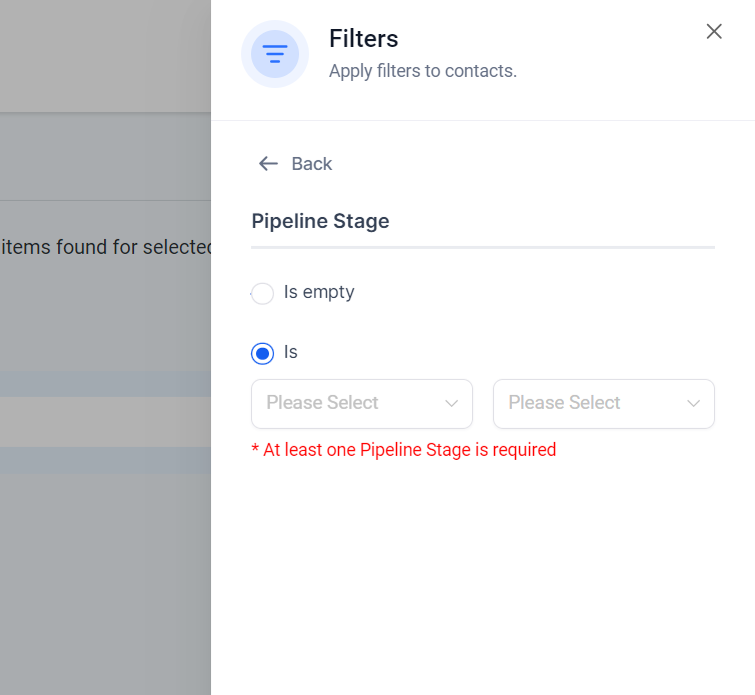
- Click on “More Filters” to search a specific group of people based on tags

- In the filter bar, type “tag”
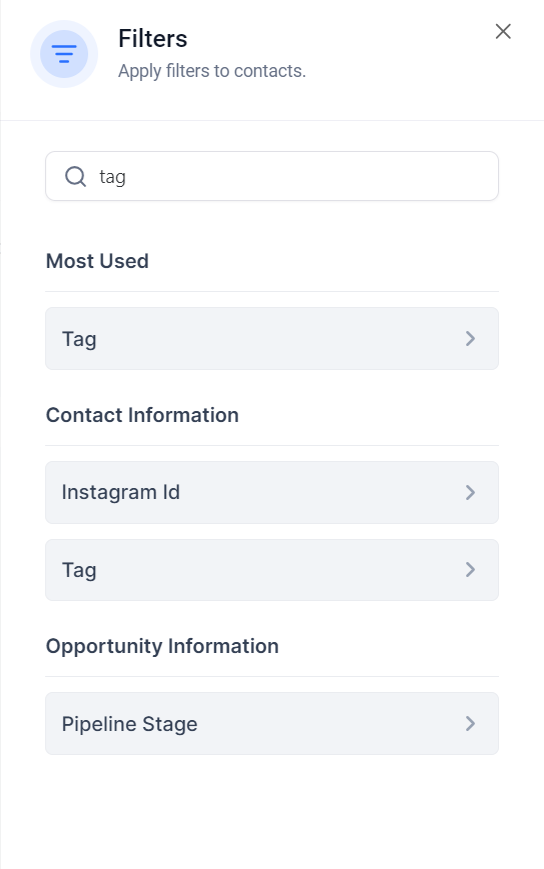
- Click on “Tag” from the list
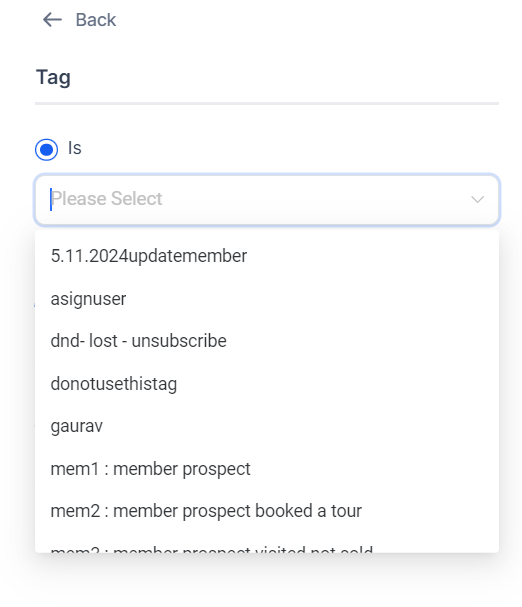
- Then click on the appropriate “Tag is” from the 3 options
Find the appropriate tag from your list
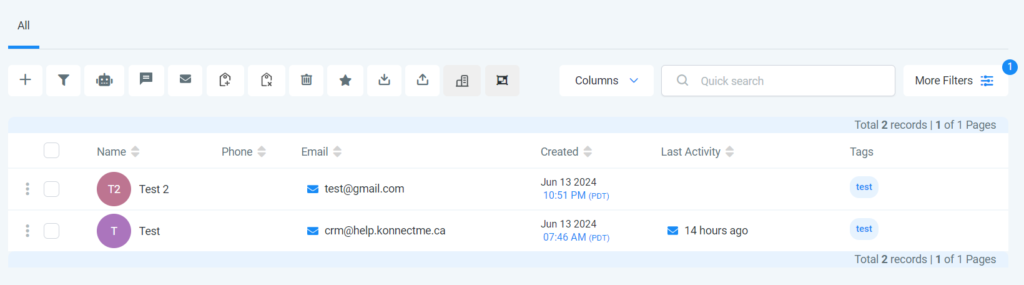
This is what it should look like when the search function is set up correclty
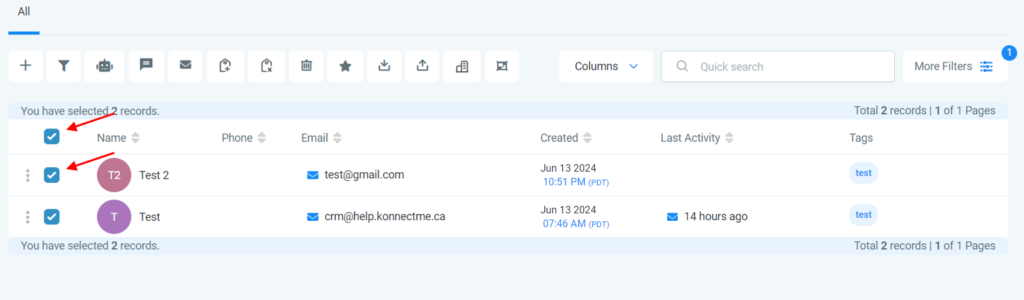
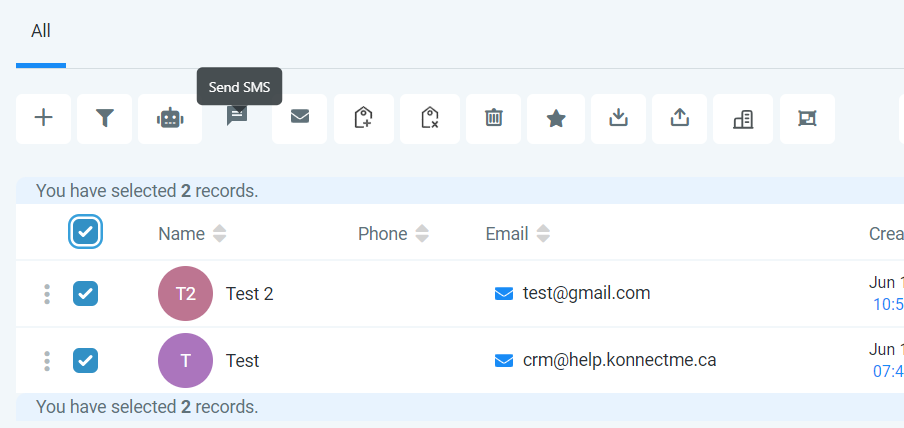
Check on the “all” or just select the specific people you want from your list
NOTE: Click on: “Select all XX records” if you want to select everyone from this list
Select the appropriate bulk action you wish to complete from the top menu
NOTE: Be sure to read the “Important note” after clicking the appropriate action >>> then click on “Ok, proceed”
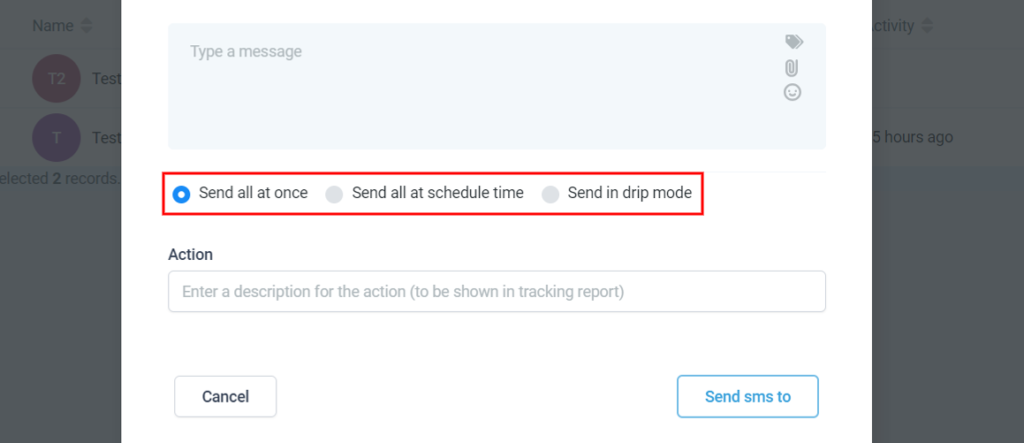
Type your message
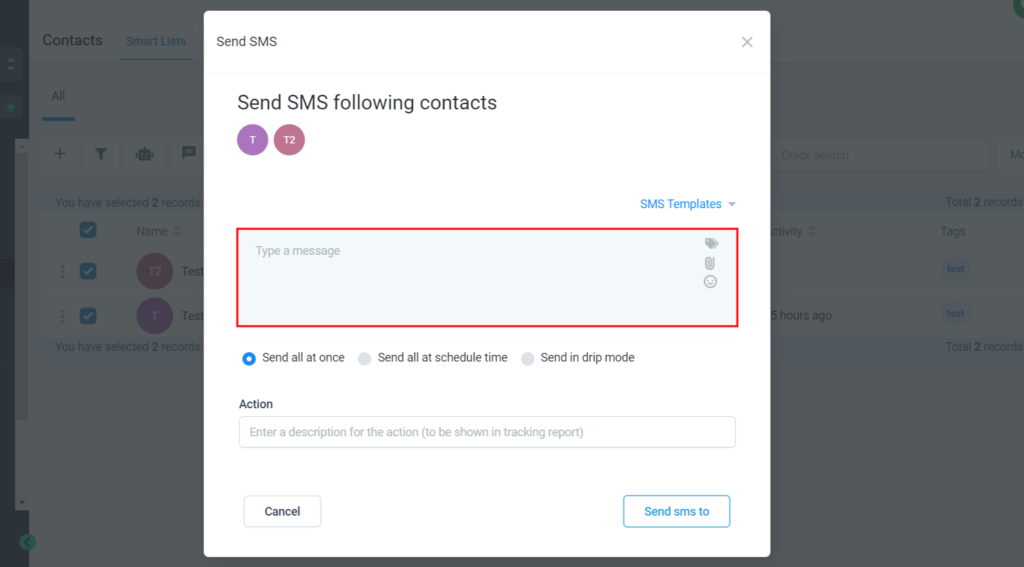
Click on “Send all at once” or “Send all at schedule time” or “Send in drip mode” >>> then click on “Send SMS” to send