The Video element in Email builder allows you to easily add videos into your email.
Note: due to technical limitation of all major email clients, we can not yet embed videos into emails. The Video block simply creates a preview image (using the video’s thumbnail image), adds a play button, and then hyperlinks the image to your video URL so when someone clicks the image, they are taken to the video.
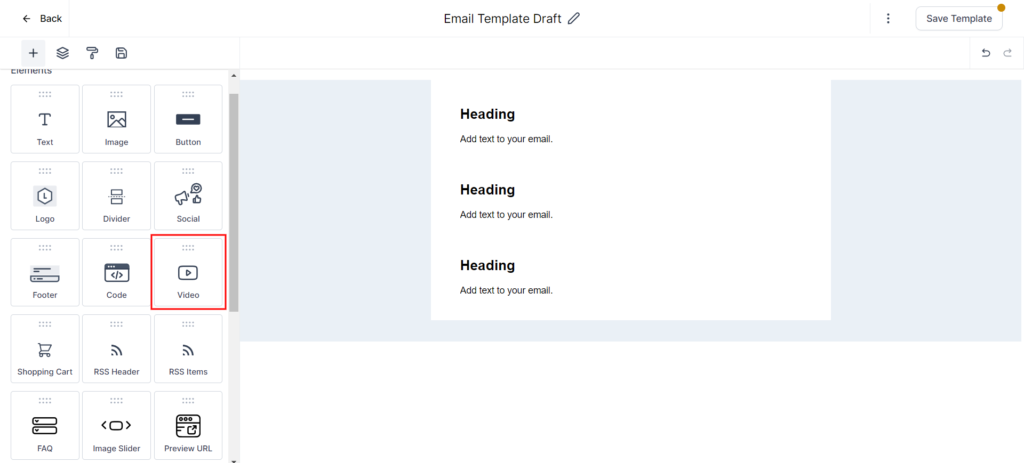
Once you drag n drop a video element into the builder area, you will see the following editor on left hand side and a new video element on right hand with a play button and default thumbnail image.
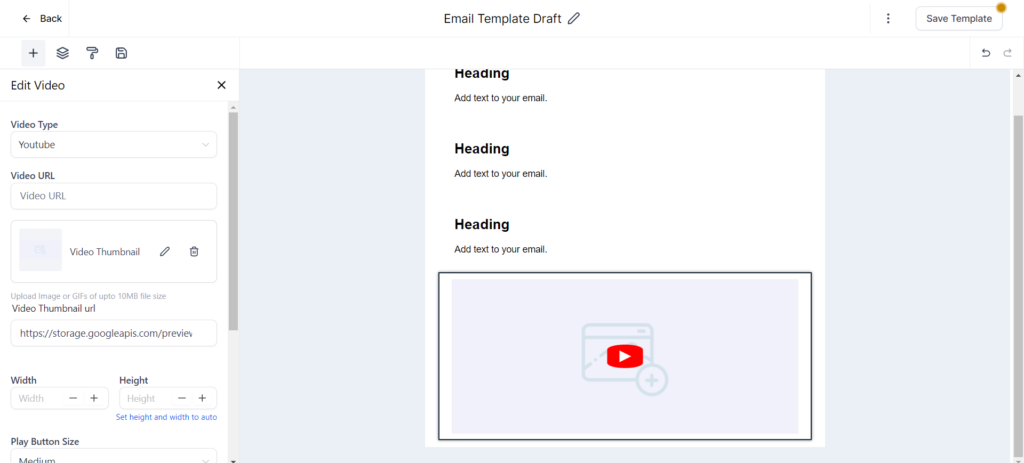
Video editor
The Video editor provides following video configurations
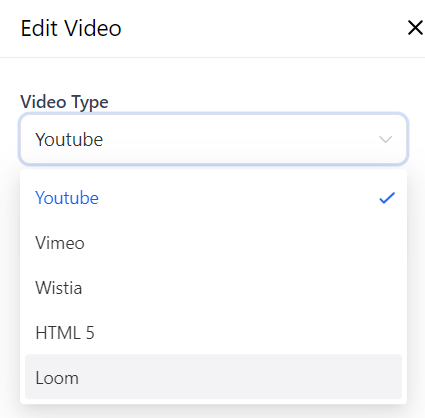
Video Type: There are currently 4 options to choose from: YouTube, Vimeo, Wistia, and HTML5. Based on the selected video type, the system will try to fetch the video thumbnail from the video URL and also change the play button styling based on the provider themes (e.g. in case of YouTube, the button will appear with a red background and white play icon).
The link to the thumbnail image will automatically appear in the “Video Thumbnail URL” field.
Video URL: Here is where you need to enter the URL of your video
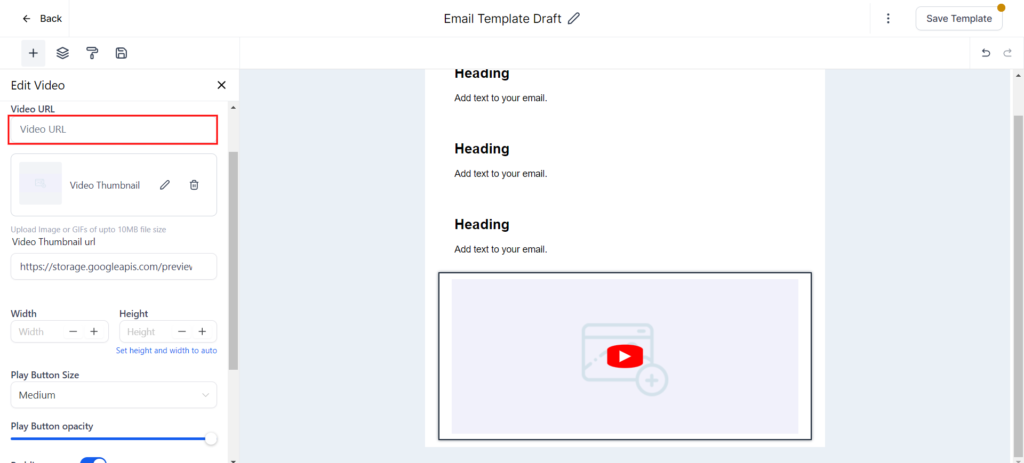
If the preview fails to fetch the thumbnail image from video, it will display a warning (e.g. If you change the video type to Vimeo for a YouTube video url, the editor will try to fetch the thumbnail based on the Vimeo logic, which will not work so it will show you a warning).
Width & Height: Through these input fields you can control the dimension of your video. If no dimensions are added, then video will take full width and auto height based on image resolution
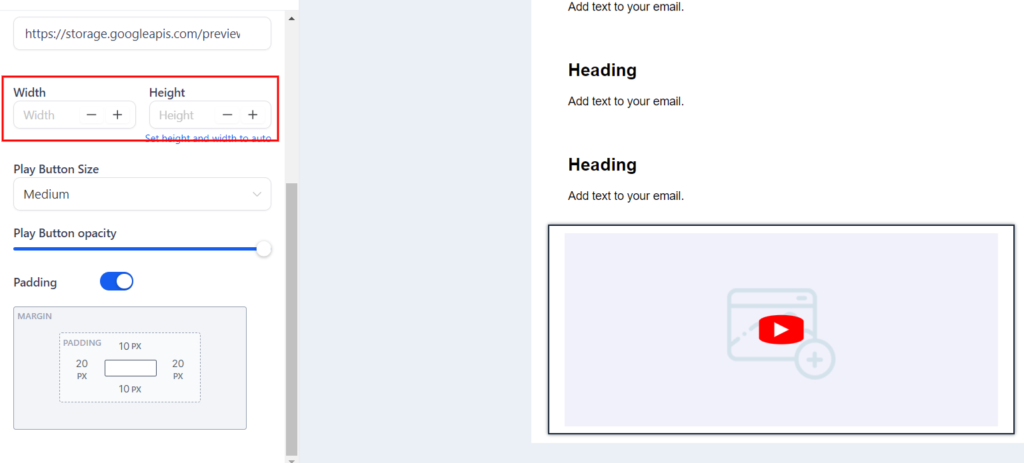
NOTE: By default, the video element will always be aligned on left hand side if you provide custom Height and width. Unlike with images, it is not possible to align them using the Align attribute but you can align it through padding or wrapping them inside a 2 or 3 column layout.
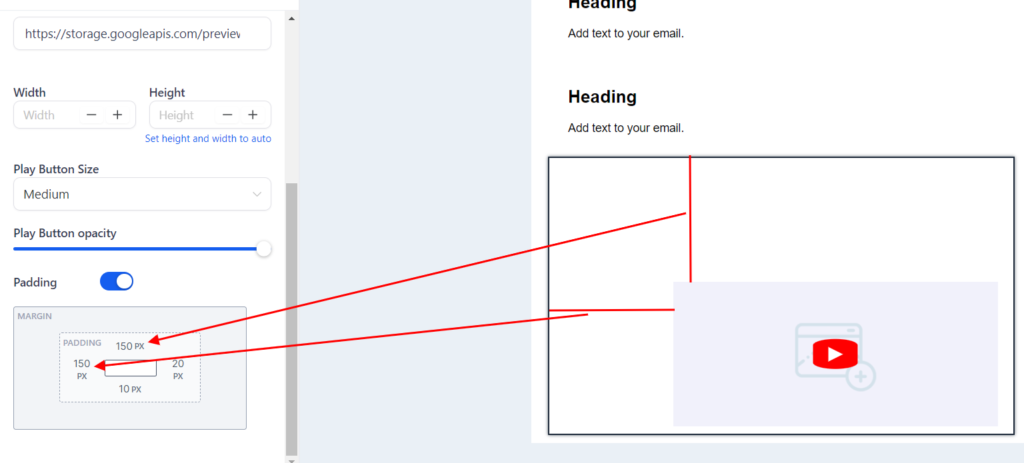
Padding: You can provide the padding to video element through this field see below image to see it in action.