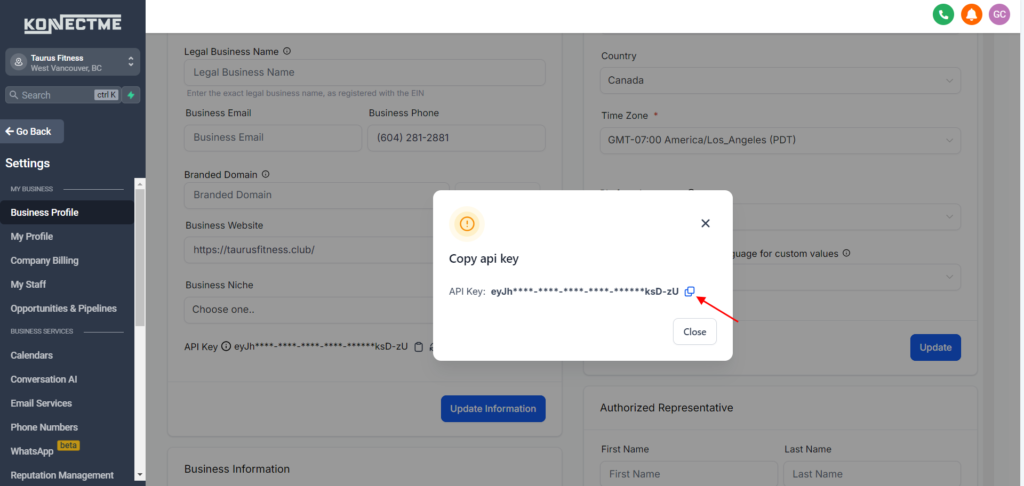
To integrate your Grow account with outside apps, you’ll need to link your Grow API key. Here’s how to find it
Updated over a week ago
You’ll need your companies Grow API key if you want to link it with other 3rd party apps. Here’s how you can obtain your API key
1. Log in to your account
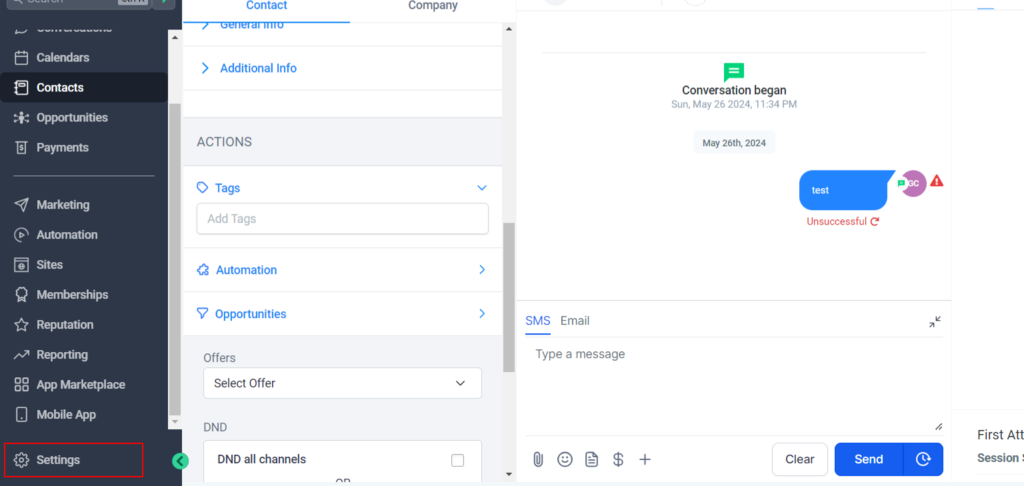
2. Go to your settings icon
3. On the company details page, you will find the API key
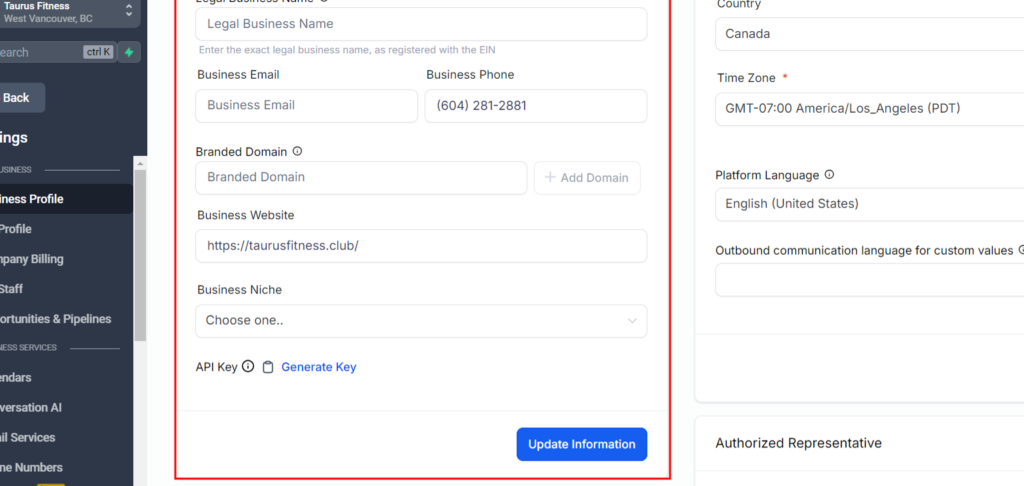
Click ‘Generate Key’ and a window will pop up
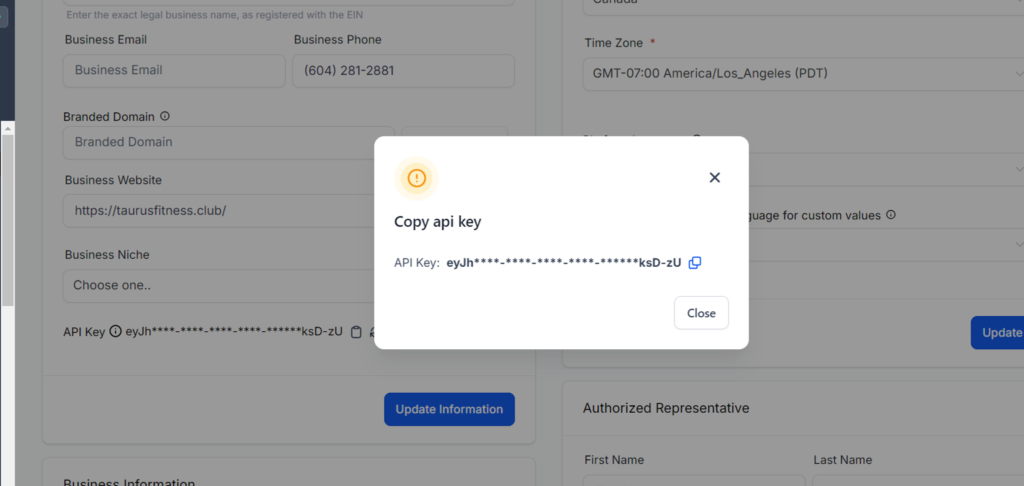
5. Click on the clip board icon to copy the code