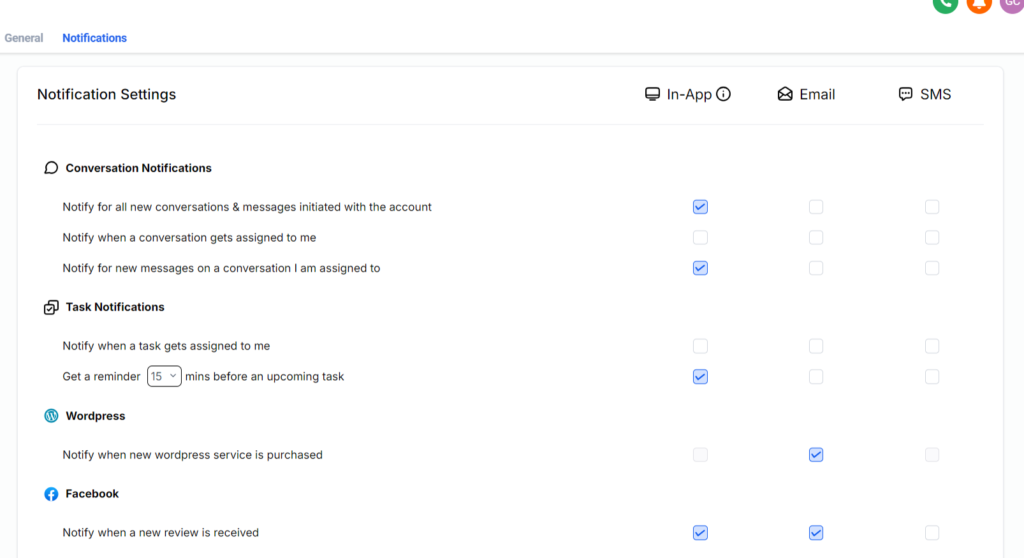
Notifications Management will allow clients to customize notifications for what works for you and your team.
You and your team have various preferences when it comes to notifications. Some may be more mobile and prefer all mobile notifications, while others might prefer desktop only. Some staff members might have a mix of preferences depending on the notifications. Others may want to ignore some notifications altogether.
Now, each team member will have the ability to manage what type, and how they receive internal notifications.
1. From your dashboard, go to settings
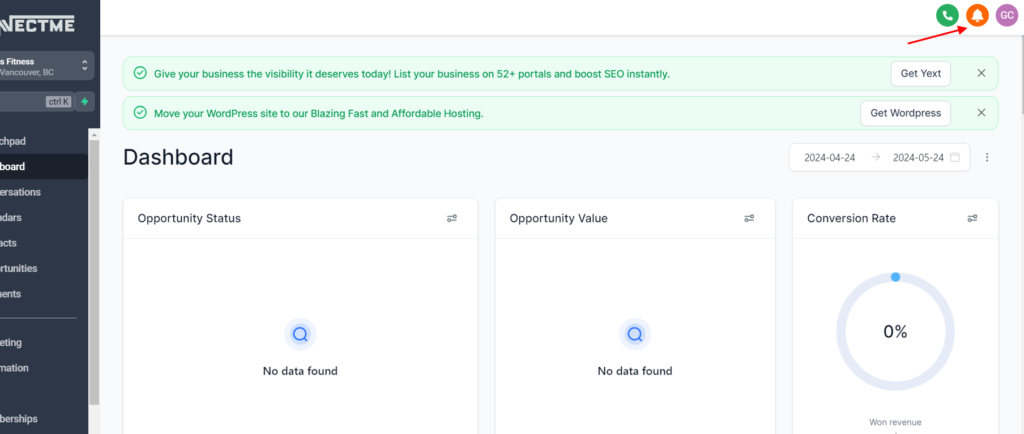
2. At the top right corner click on bello icon
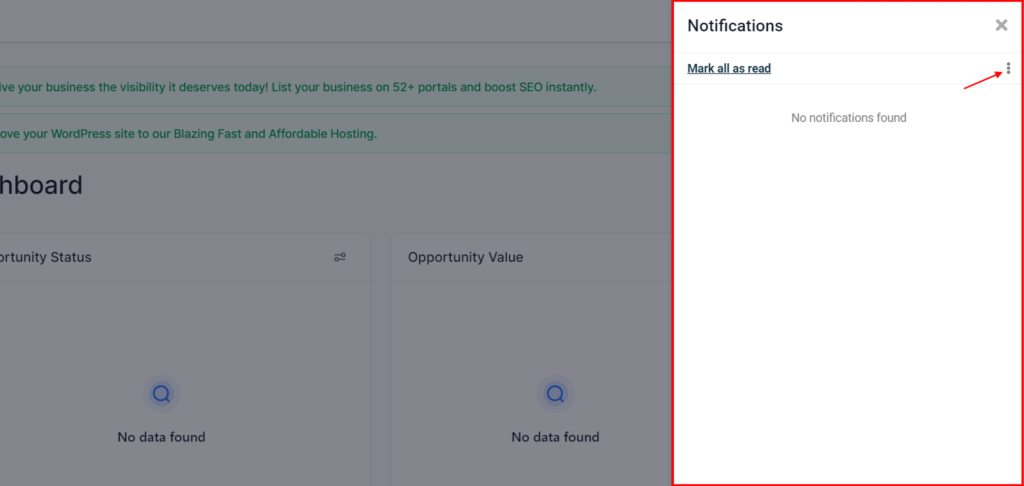
3. A panel will pop up, then click the 3 dots
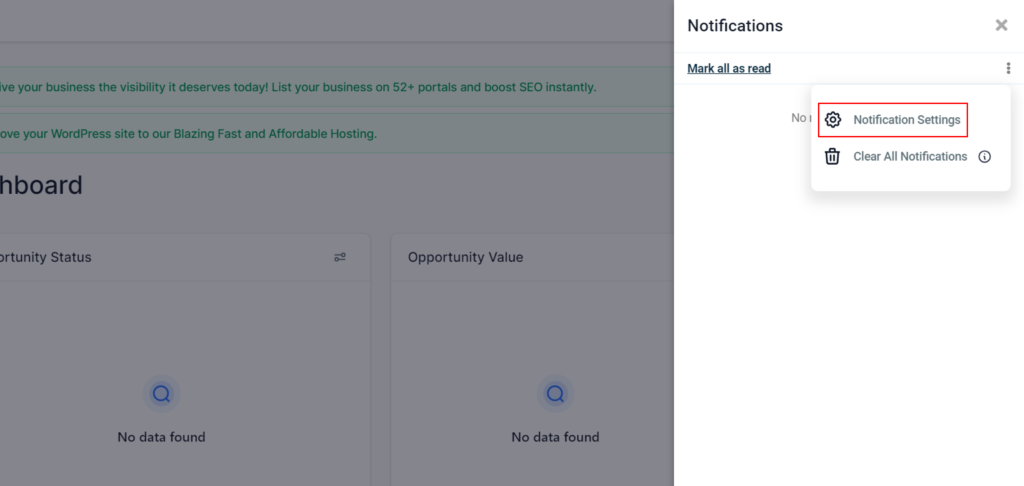
4. Proceed to ‘Notification Settings’
5. From this menu, each staff member can now manage their notification settings for app, email and SMS type messages coming from the platform.