Follow these steps to use the Conversion List for Google Ads with your Triggers and Workflows:
Step 1: Adding the Conversion action in your Google Ads account
- Within your Google Ads account, navigate to Tools & Settings from the menu.
- Click “Conversions” under the Measurement menu.
- Click “+New Conversion Action” to add.
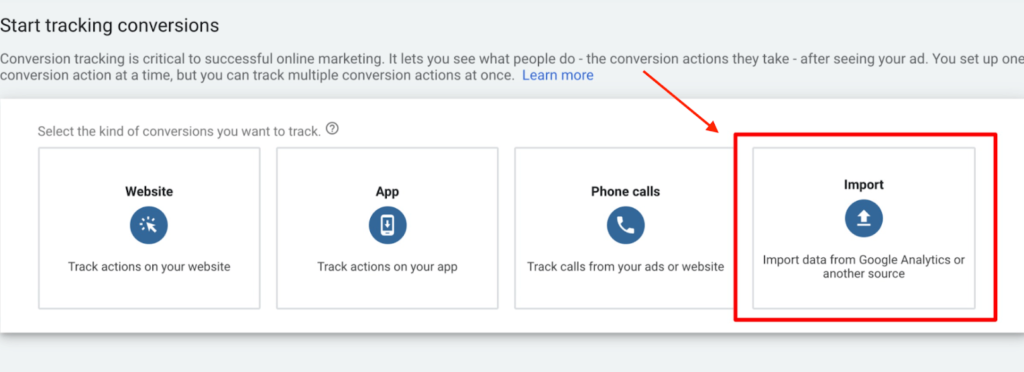
- To start tracking conversion, choose the import option from the list that appears.
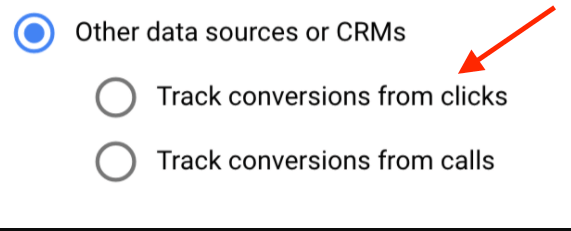
- NOTE: Choose what you want to import and select the right button (Google Analytics UA, Google Analytics 4 properties, third-party app analytics, salesforce, or other). If you wish to track clicks on a page or calls initiated by the user, be sure to choose those option from the selectable choices: