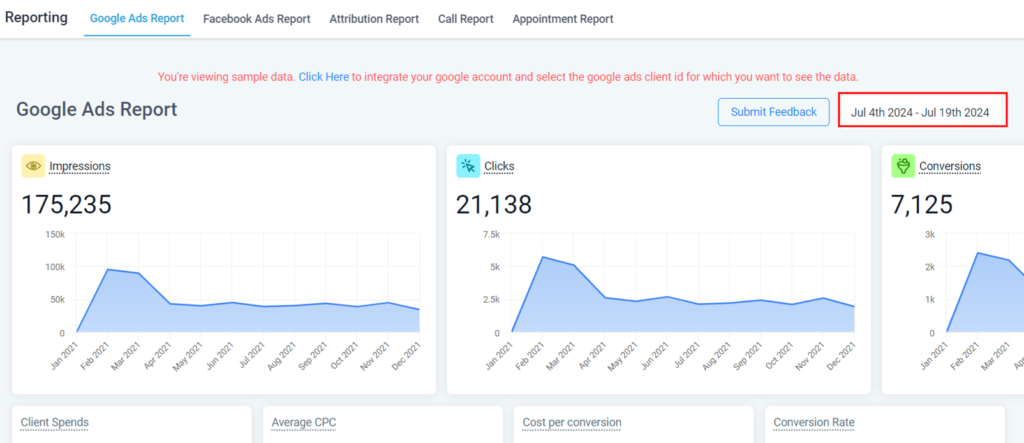
you can access and view various metrics and reports directly within the platform. Here’s a general guide on how you can view Google Ads reporting data
Accessing Reports
- Navigate to the Reporting section of your system.
- Click “Google Ads Reporting”.
- In the Google Ads Reporting Dashboard, you’ll see some filters in the top right corner to select a specific date range.
- You may click the refresh icon in the top right corner at any time to update the reports and graphs.